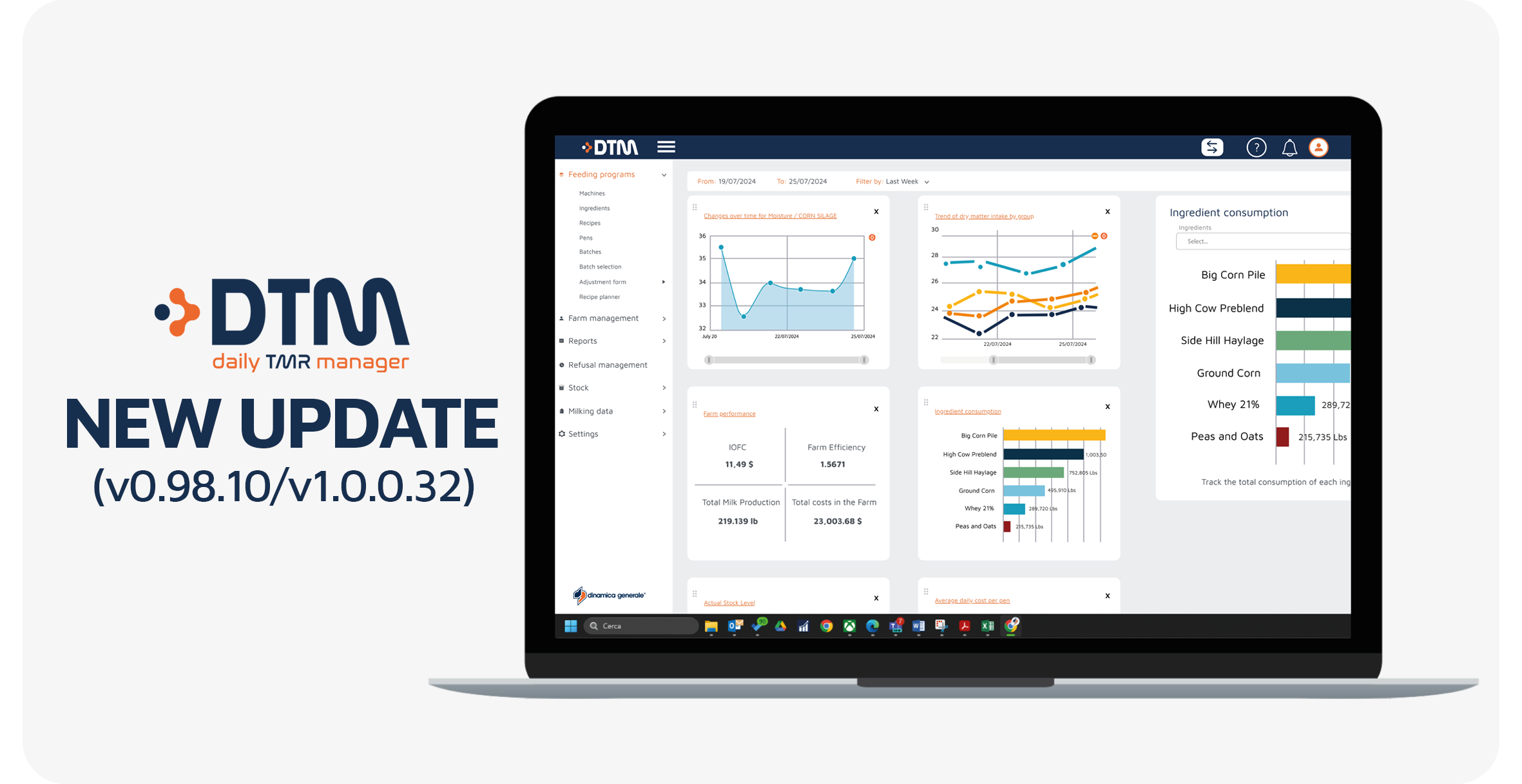
DTM8 (v0.98.10/v1.0.0.32): this update introduces a new What’s New onboarding dialog, enhanced batch history controls for loading and unloading verification, improved stock management filters, and a more flexible and reliable DairyComp integration.
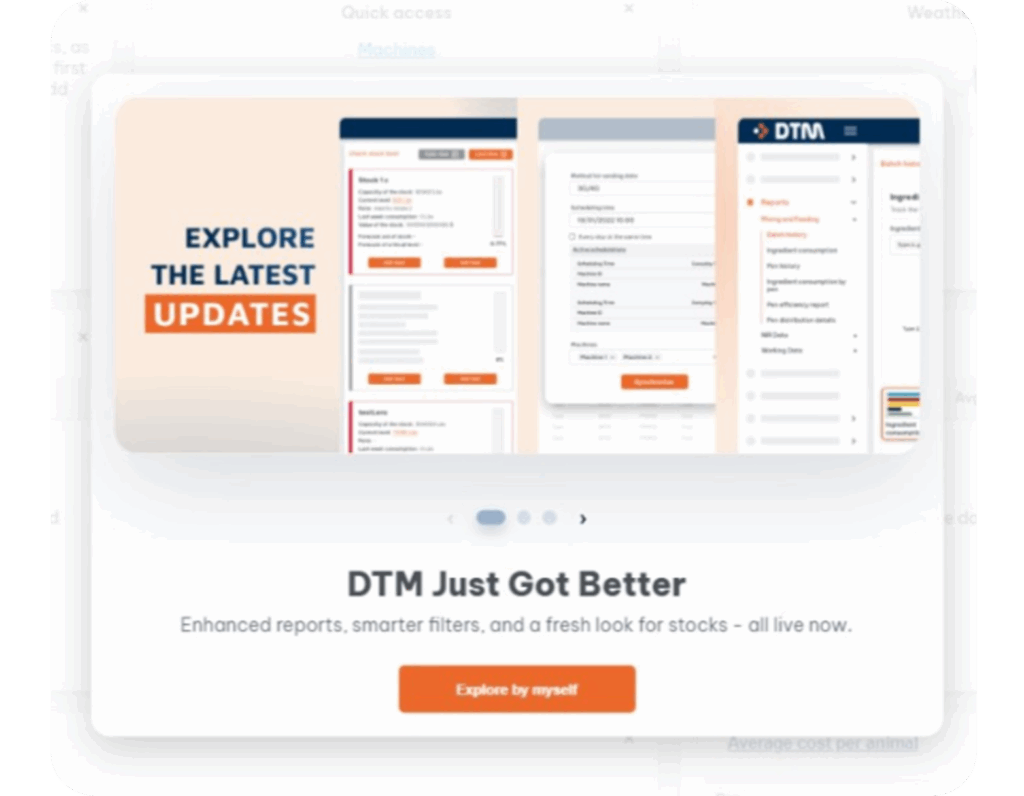
Starting from this release, DTM8 automatically opens a dedicated “What’s New” dialog after a major update.
This window clearly presents the latest improvements and new features. In addition, visual examples help users quickly understand how to use the new functionalities.
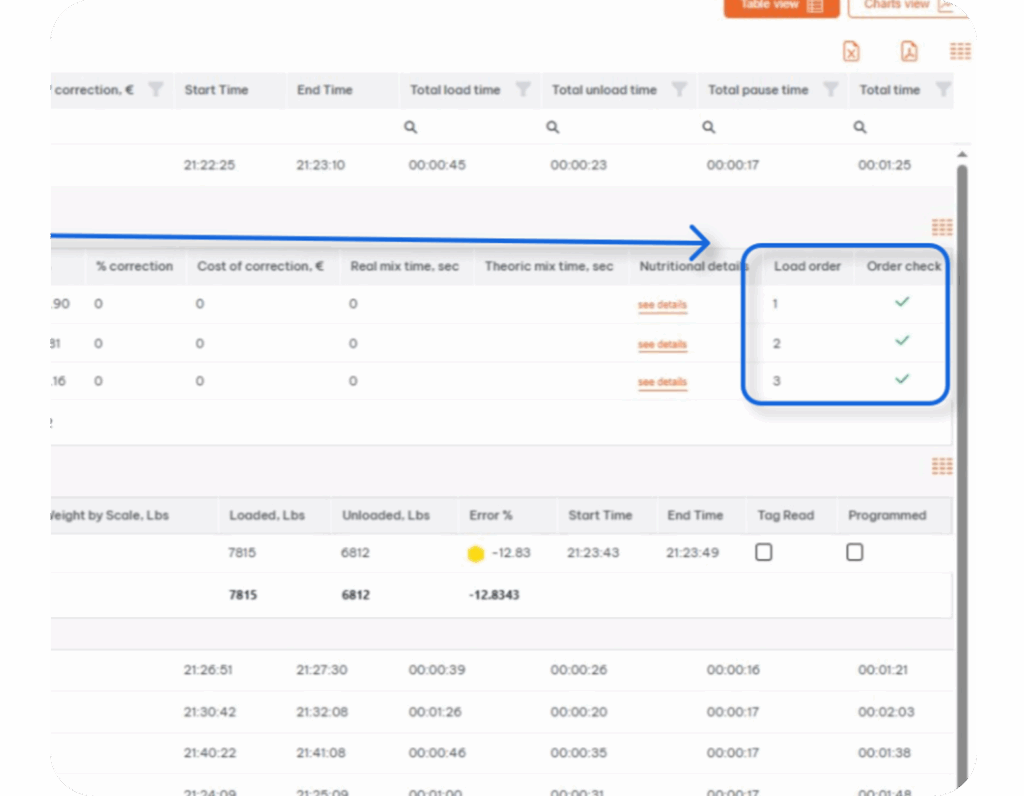
DTM8 improves the DairyComp (DC305) integration by introducing a new Excluded column.
Users can now exclude selected records from the next import. As a result, automatic and scheduled data imports run more smoothly.
DTM8 introduces two new filters in the Check Stock level card view to simplify stock management.
First, the Ingredient filter allows multi-selection among available ingredients. Second, the % of filling filter groups stock levels into color-coded ranges for faster evaluation.
Finally, DTM8 now displays the ingredient name directly on each stock card.
With this update, DTM8 improves usability, strengthens batch control and stock visibility, and delivers a more reliable DairyComp integration.
Enjoy the new version!




 NIR & Imaging
 Data Management
 Mobile Apps
 Load Cells
 Indicators and ECU
 Accessories
 English
 Italian
 Spanish
 French
 German
 Portuguese (Brazil)
 Dutch
Dutch Polish
 Chinese (Simplified)
 Turkish